API Token Management
GoMami provides a RESTful API that allows you to manage your account and servers programmatically. You need to create an API Token before using the API.
Creating an API Token
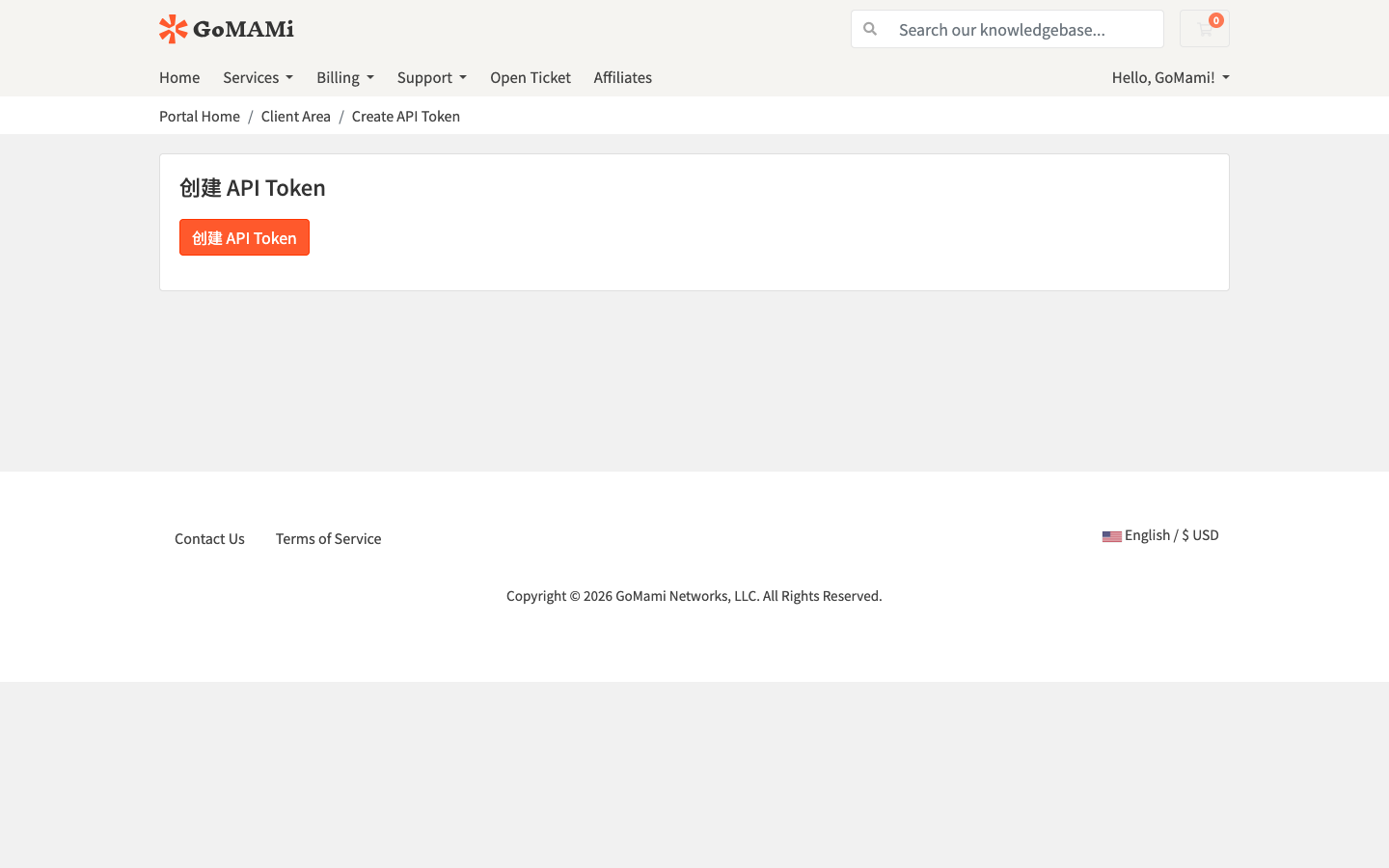
1. Navigate to the Creation Page
Log in to GoMami and go to the Create API Token page, then click the 创建 API Token button.
2. Generate the Token
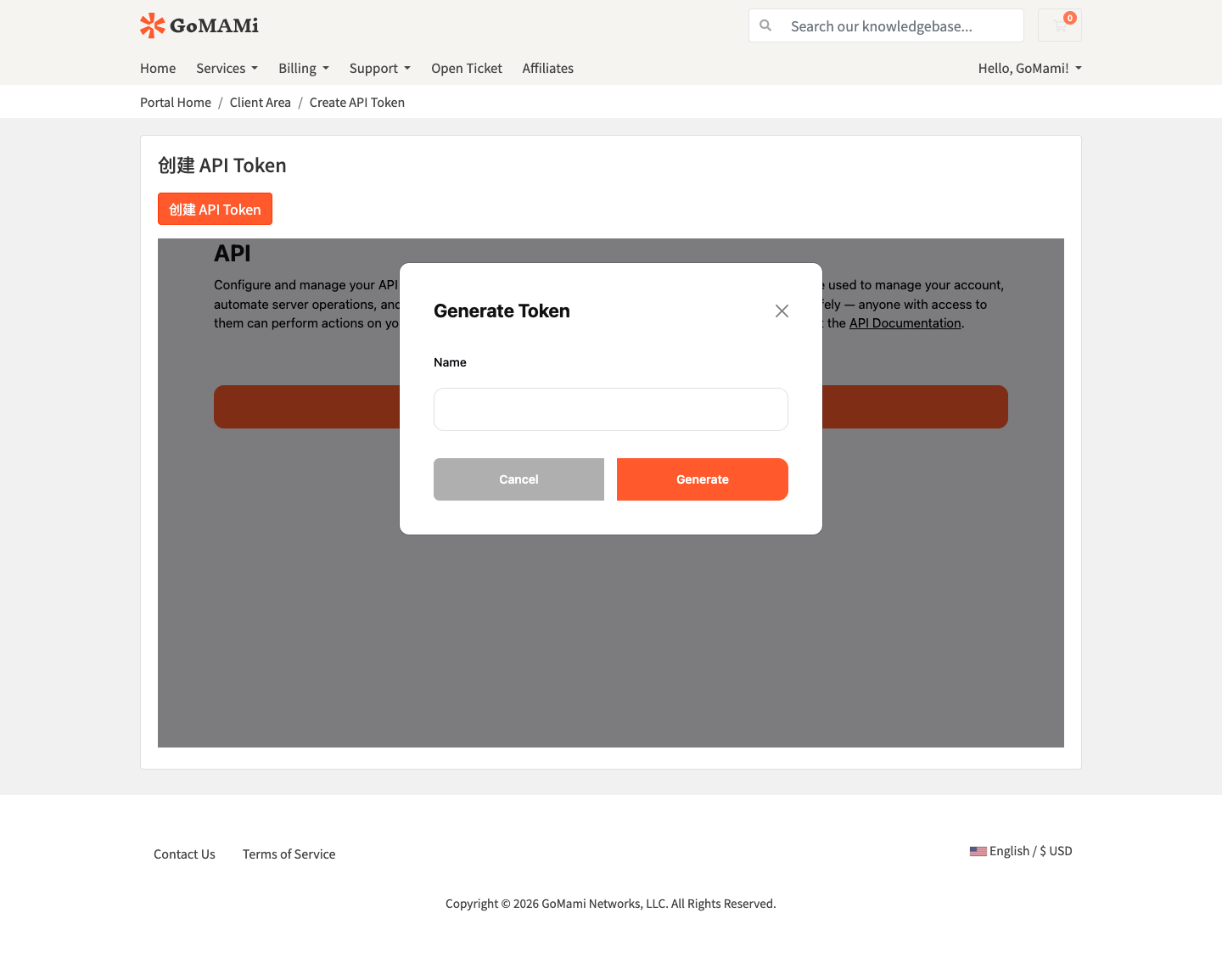
Once the page loads, click the Generate Token button. Enter a name for your token in the dialog, then click Generate.
3. Save the Token
After generation, the full API Token will be displayed.
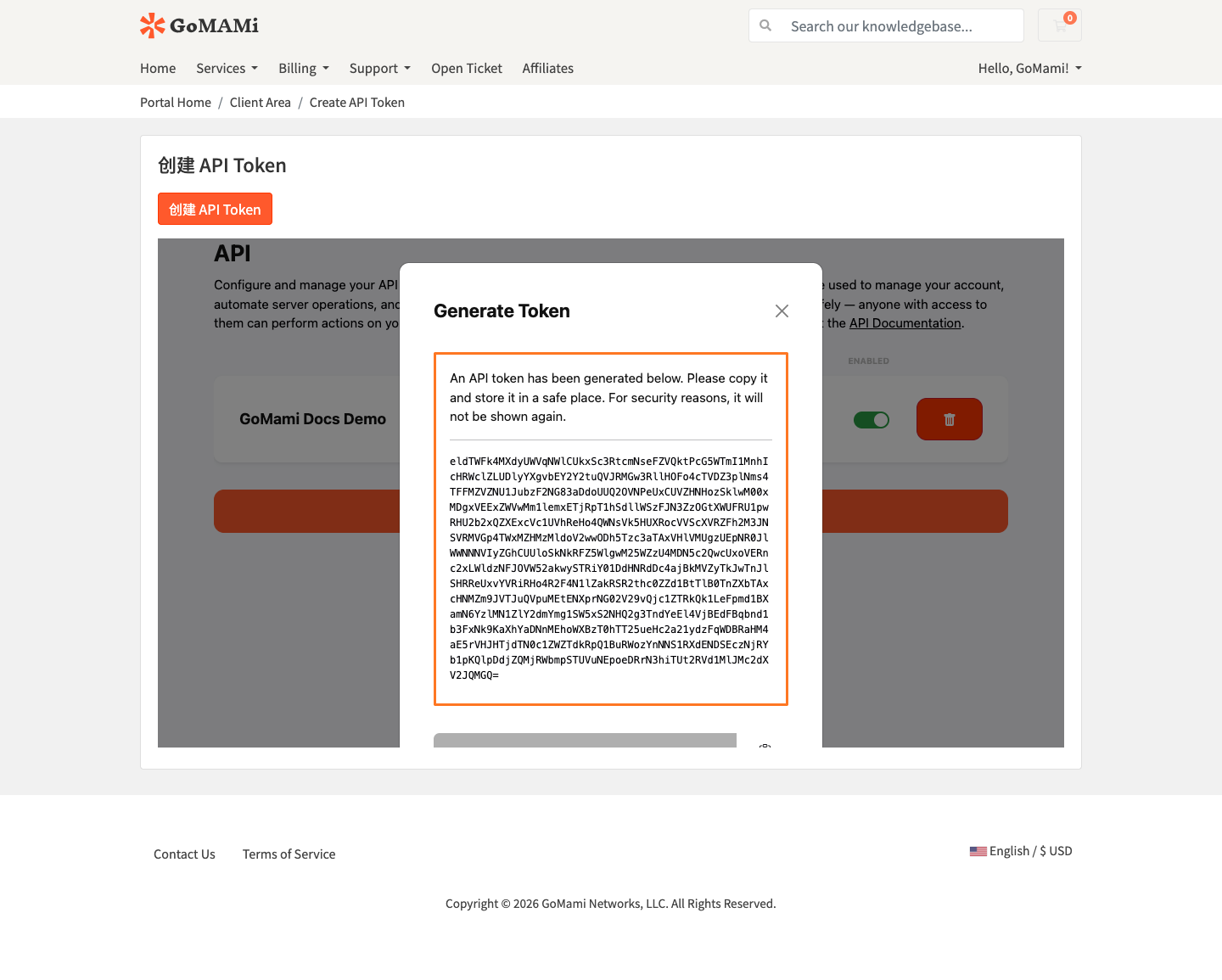
The API Token is only shown once at the time of creation. Copy and save it immediately. If lost, you'll need to generate a new one.
4. Manage Tokens
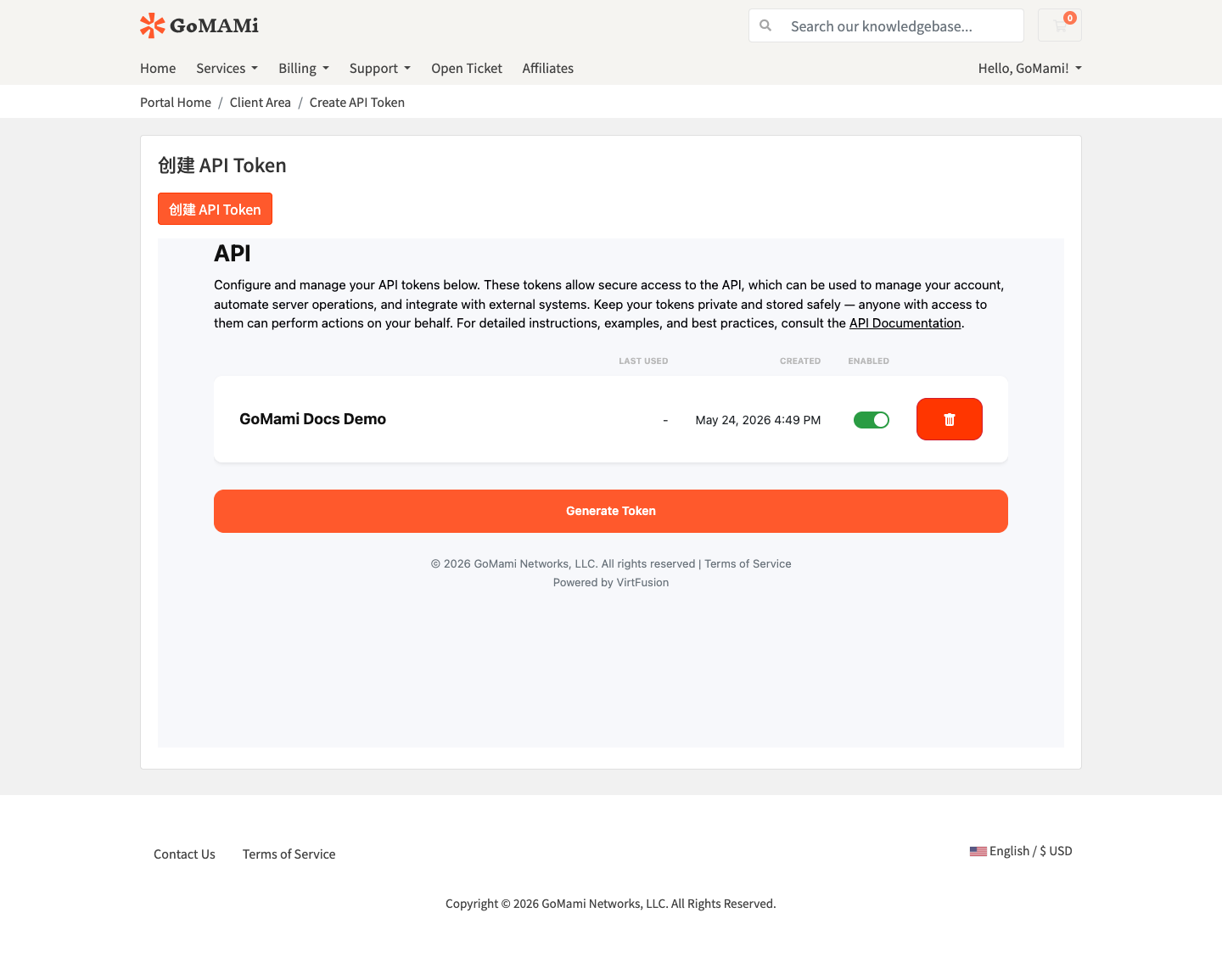
After creation, you can view, enable/disable, or delete existing tokens from the API Token list.
API Documentation
For complete API documentation, see: API Reference
The API uses Bearer Token authentication. Include the following header in every request:
Authorization: Bearer <your_api_token>
Supported Operations
Through the API you can perform the following:
- Server Management - View, rebuild, power control
- SSH Keys - Manage SSH public keys
- VNC - Enable/disable VNC console
- ISO - Mount/manage custom ISO images
- Tasks - View operation task status
API Tokens have full account operation permissions. Keep them private and never share them. If no longer needed, you can disable or delete them from the list at any time.