Change IP Address
GoMami offers a self-service IP address change, allowing you to quickly replace your instance's public IP without contacting support.
Service Details
- Fee: $5 per change
- Effective: Immediately
- Note: The old IP will be released and cannot be recovered
How to Use
1. Go to the Change IP Page
Log in to GoMami and navigate to the Change IP page.
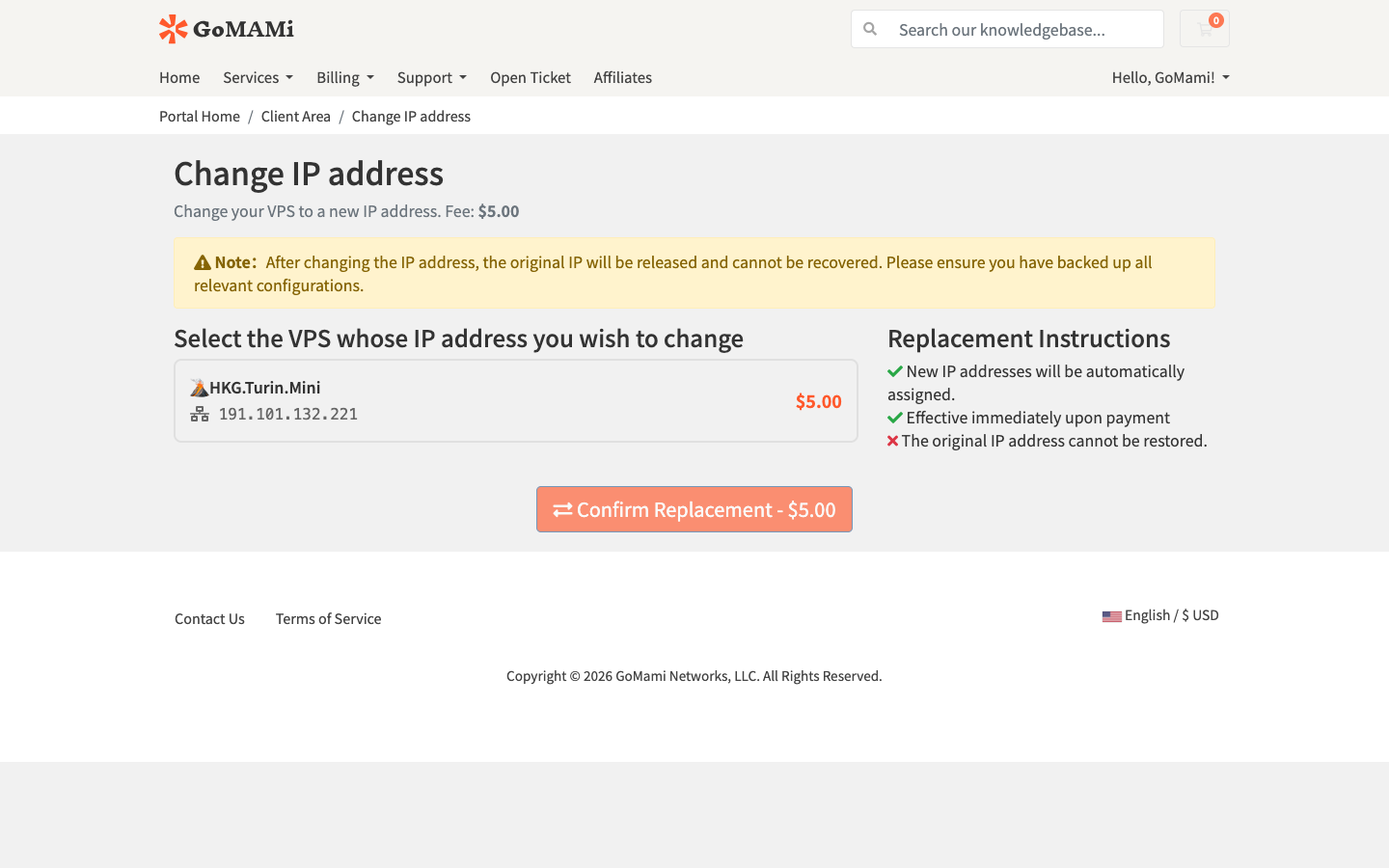
2. Select Your Instance
Choose the VPS instance you want to change the IP for from the dropdown menu.
3. Confirm the Change
After verifying the information, click submit. The system will automatically charge the fee and assign a new IP address.
:::warning Important
- After changing, the original IP address will be released immediately and cannot be recovered
- Make sure to update all DNS records and service configurations that depend on the old IP
- The new IP may take a few minutes to fully propagate across the network :::
Use Cases
- IP blocked by target networks
- Need a different IP in the same region
- Original IP has reputation issues