Push Transfer Service
GoMami offers a VPS instance transfer (Push) service, allowing you to transfer instances under your account to other GoMami users.
Service Details
- Fee: $10 per transfer
- Processing: Manual handling
- Timeline: Completed within 24 hours of submission
How to Use
1. Go to the Transfer Page
Log in to GoMami and navigate to the Push Service page.
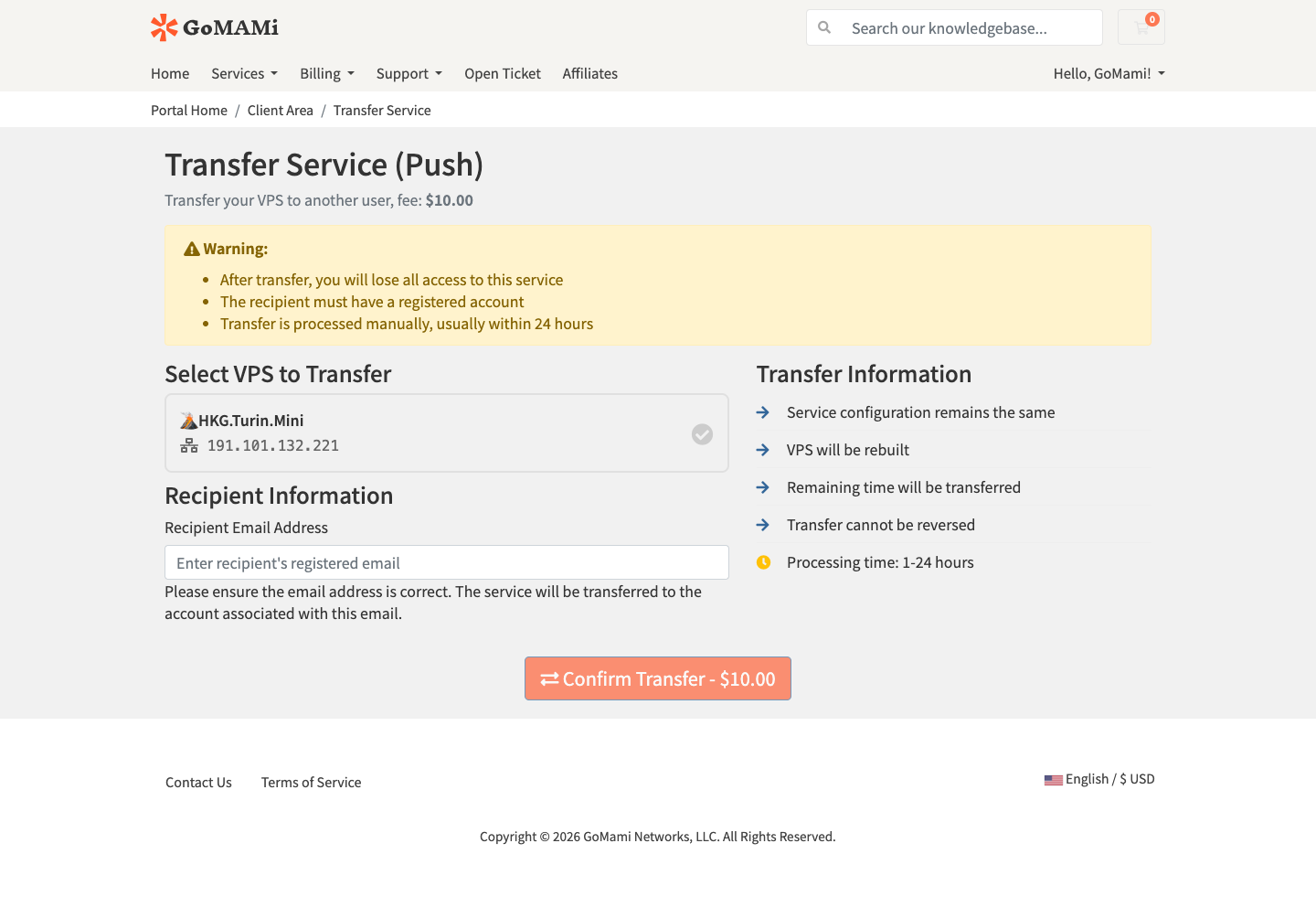
2. Fill in Transfer Details
Enter the instance information and the recipient's GoMami account email address.
3. Submit the Request
After verifying the information, submit the request. Staff will process it within 24 hours.
:::info Note
- Push transfers are handled manually and are not instant
- Once completed, ownership of the instance will be transferred to the recipient
- After transfer, the original account can no longer manage the instance :::
Use Cases
- Transfer instances to partners or clients
- Account consolidation — centralize instances from multiple accounts
- Sell instances you no longer need