Instance Settings
You can adjust server hostname, boot order, and Swap configuration through the control panel.
Changing Hostname
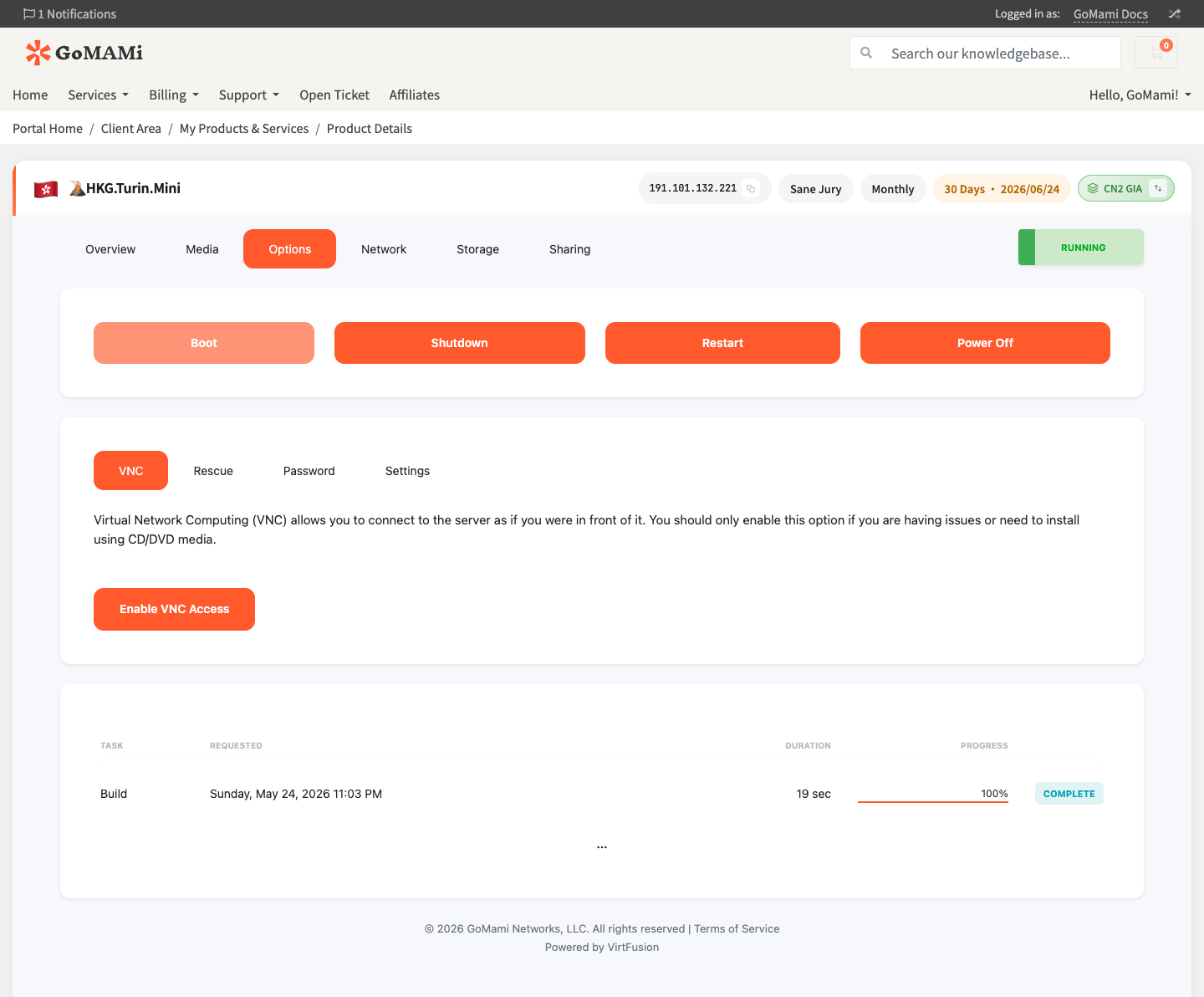
- Log in to GoMami, go to the server control panel
- Click the Options tab
- Select the Settings sub-tab
- Modify the Server Name and Hostname fields in the dialog
- Click Save
info
Changing the hostname only updates the display name in the control panel. To also change the internal hostname, run via SSH:
# Change hostname
hostnamectl set-hostname your-new-hostname

# Verify
hostname
Boot Order
Boot order determines device priority when the server starts.
| Option | Description |
|---|---|
| Hard Disk | Boot from hard disk (default) |
| CD-ROM | Boot from mounted ISO image |
| Network | Boot from network (PXE) |
Changing Boot Order
- Find the Boot Order setting in the control panel
- Select the desired boot device
- Click Save
- Restart the server for changes to take effect
tip
When installing a custom ISO, change boot order to CD-ROM. Remember to change it back to Hard Disk after installation.
Swap Configuration
Swap is virtual memory on disk, used when physical memory runs low.
Available Swap Options
Adjustable in Build > Swap Options in the control panel:
| Option | Description |
|---|---|
| Auto | System automatically allocates Swap size |
| Custom | Custom Swap size |
| Disabled | Disable Swap |
caution
Changing Swap settings requires a system reinstall to take effect. Existing data will be erased.
Manual Swap Configuration
To add Swap without reinstalling, create a swap file via SSH:
# Create 2GB swap file
fallocate -l 2G /swapfile
chmod 600 /swapfile
mkswap /swapfile
swapon /swapfile

# Enable on boot
echo '/swapfile none swap sw 0 0' >> /etc/fstab

# Verify
free -h
Via API
# Change hostname
curl -X POST https://cp.gomami.io/api/server/{id}/change-name \
  -H "Authorization: Bearer <your_api_token>" \
  -H "Content-Type: application/json" \
  -d '{"name": "my-new-hostname"}'

# Change boot order
curl -X POST https://cp.gomami.io/api/server/{id}/settings/boot-order \
  -H "Authorization: Bearer <your_api_token>" \
  -H "Content-Type: application/json" \
  -d '{"boot_order": "hard_disk"}'
Next Steps
- Custom ISO — Install custom operating systems
- Reinstall OS — Change your operating system